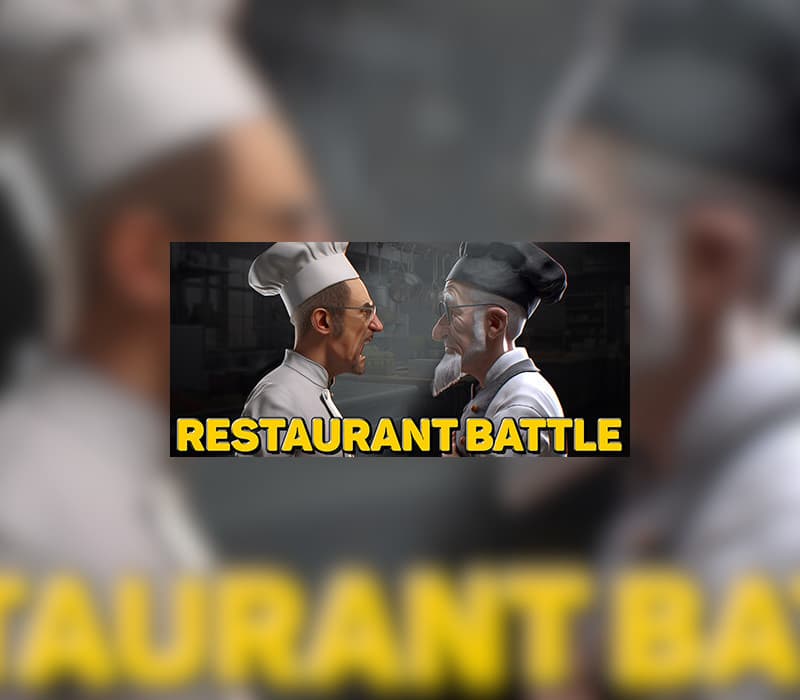
Restaurant Battle Steam CD Key
Steam, works worldwide
Instant digital delivery • Payment fees shown at checkout
Your key shows on screen and in your vault right after payment. We never email the key itself.
- Platform
- Steam
- Region
- Global
- Release date
- July 14, 2023
- Developer
- Cyber Eye
- Publisher
- Cyber Eye
- Genres
- Casual, Indie, Simulation, Strategy
- Languages
- English, French, Italian, German, Spanish, Arabic, Chinese, Korean, Polish, Russian, Turkish, Ukrainian, Japanese
How to activate on Steam
- Open the Steam app or store.steampowered.com and sign in.
- For a game key: in the app, choose Games, then Activate a Product on Steam, and paste your code.
- For a Steam Wallet code: open your account, choose Add funds to your Steam Wallet, then Redeem a Steam Gift Card or Wallet Code.
Screenshots
Videos
About this product
DecoratingWallpaper or paint? Tiles or laminate? Floor lamps or sconces? The choice is yours! A wide range of decorative elements will allow you to create the desired atmosphere of the restaurant.ManagementHire employees or take them away from a competitor. Set up pay and work schedule. Raise the qualifications of your staff and unlock their potential.Unlock new dishes and make the menu the way you see fit.PurchasesYour cooks need ingredients and utensils, and your cleaners need chemistry. Keep track of the amount of goods in stock and buy new ones on time.Problem situationsDialogue is the best way to avoid conflict. Deal with dissatisfied customers and make difficult decisions, but be prepared for unexpected results.PromotionFrom petty mischief to burglary: what can you do to ruin a rival restaurant's reputation?
How to activate
Go to: http://store.steampowered.com/ and download STEAM client Click "Install Steam" (from the upper right corner) Install and start application, login with your Account name and Password (create one if you don't have). Please follow these instructions to activate a new retail purchase on Steam: Launch Steam and log into your Steam account. Click the Games Menu. Choose Activate a Product on Steam... Follow the onscreen instructions to complete the process. After successful code verification go to the "LIBRARY" tab and start downloading.
System requirements
Windows
- Minimum: Requires a 64-bit processor and operating system OS: Windows 10 Processor: intel core i5-2500 3.3 GHz Memory: 8 GB RAM Graphics: NVIDIA GeForce GTX 750 DirectX: Version 11 Storage: 8 GB available space Sound Card: Audio card required Additional Notes: Specifications during the release process may change
Restaurant Battle Steam CD Key
$1.99