Rayman Legends CN Language Only Ubisoft Connect CD Key
Ubisoft, works worldwide
Instant digital delivery • Payment fees shown at checkout
Your key shows on screen and in your vault right after payment. We never email the key itself.
- Platform
- Ubisoft
- Region
- Global
- Release date
- August 29, 2013
- Developer
- Ubisoft Montpellier
- Publisher
- Ubisoft
- Genres
- Action, Adventure, Platformer
- Languages
- Chinese
- Age rating
- PEGI 7
How to activate on Ubisoft
- Open Ubisoft Connect on your PC and sign in.
- Open the menu and choose Activate a key.
- Paste your code and confirm. The game appears in your library, ready to download.
Screenshots
Videos
About this product
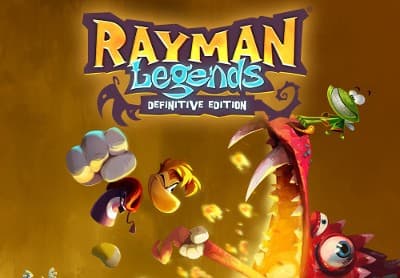
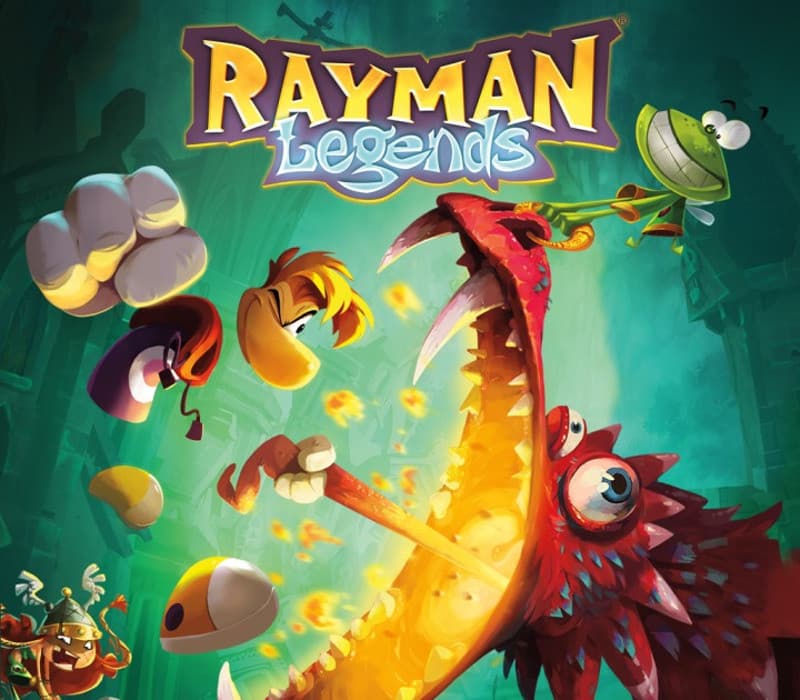
he Glade of Dreams is in trouble once again! During a 100-year nap, the nightmares multiplied and spread, creating new monsters even more terrifying than before! These creatures are the stuff of legend… Dragons, giant toads, sea monsters, and even evil luchadores. With the help of Murfy, Rayman and Globox awake and must now help fight these nightmares and save the Teensies!
How to activate
Go to: http://uplay.ubi.com and download Uplay client. Install Uplay Client on your PC. Start the application, login with your Account name and Password (create one if you don't have). Please follow these instructions to activate a new retail purchase on Uplay: Click the Settings Choose Activate Product Follow the onscreen instructions to complete the process.
System requirements
Windows
- OS: Windows XP SP3 Processor: Intel Pentium® IV @ 3.0 GHz or AMD Athlon® 64 3000 + Memory: 2 GB RAM Graphics: nVidia GeForce 6800GT or AMD Radeon X1950 Pro 256MB VRAM with Shader Model 3.0 Hard Drive: 6 GB available space Sound Card: DirectX Compatible Sound Card with latest drivers Additional Notes: Windows-compatible keyboard and mouse required, optional Microsoft XBOX360 controller or compatible
Rayman Legends CN Language Only Ubisoft Connect CD Key
$24.99