
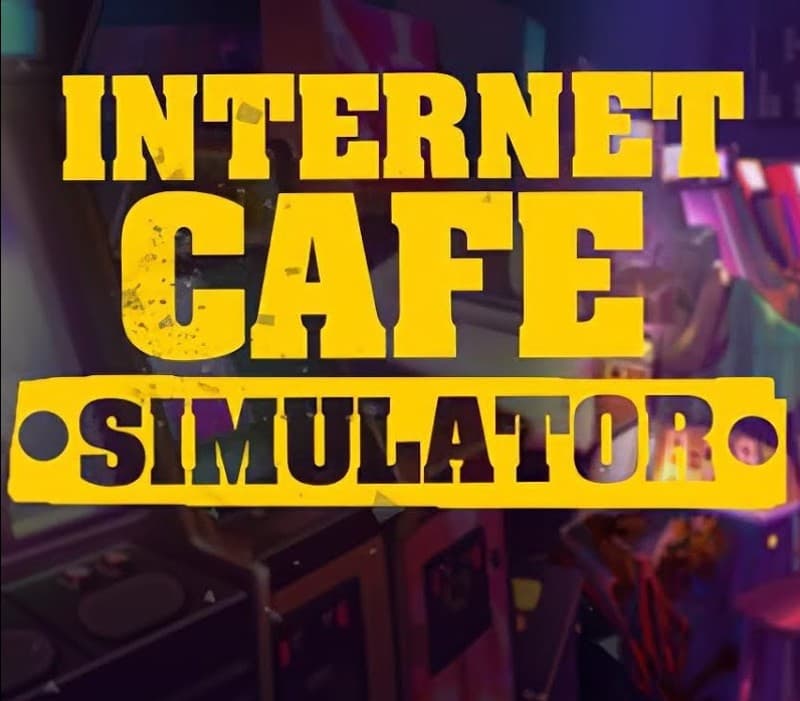
Internet Cafe Simulator PC Steam CD Key
Steam, works worldwide
Instant digital delivery • Payment fees shown at checkout
Your key shows on screen and in your vault right after payment. We never email the key itself.
- Platform
- Steam
- Region
- Global
- Release date
- October 25, 2019
- Developer
- Cocopo
- Publisher
- Cheesecake
- Genres
- Adventure, Simulation, Indie
- Languages
- German, English, French, Spanish, Polish, Portuguese, Russian, Chinese, Turkish
How to activate on Steam
- Open the Steam app or store.steampowered.com and sign in.
- For a game key: in the app, choose Games, then Activate a Product on Steam, and paste your code.
- For a Steam Wallet code: open your account, choose Add funds to your Steam Wallet, then Redeem a Steam Gift Card or Wallet Code.
Screenshots
Videos
About this product
Build the best internet café in the world! Internet Cafe Simulator is an internet cafe business simulation game. You can set up and manage a comprehensive workplace within the game. There are many activities and people you can interact with in the city. You must pay the rent of your apartment and shop. You must satisfy your customers. You should install more elegant and powerful gaming computers. You can also do illegal work if you want. But be careful, the price can be very heavy. You can develop your internet café with a lot of applications on the computer in the game. You can even hire people to illegally give you a high score. You can expand your internet café by renting new areas. In the game you can buy crypto money. You can grow your internet cafe with the right investments. You can increase the likelihood of people coming to your internet cafe by purchasing popular games. All management and planning will be in your hands. Watch out and don't bankrupt!
How to activate
Go to: http://store.steampowered.com/ and download STEAM client Click "Install Steam" (from the upper right corner) Install and start application, login with your Account name and Password (create one if you don't have). Please follow these instructions to activate a new retail purchase on Steam: Launch Steam and log into your Steam account. Click the Games Menu. Choose Activate a Product on Steam... Follow the onscreen instructions to complete the process. After successful code verification go to the "MY GAMES" tab and start downloading.
System requirements
Windows
- OS: Windows 7 Processor: 2 GHz Dual Core CPU Memory: 2 GB RAM Graphics: Intel HD Graphics 4000 or better Storage: 4500 MB available space
Internet Cafe Simulator PC Steam CD Key
$1.99