

Iha stok
VVVVVV Steam Gift
Steam, funsiona iha mundu tomak
5,99 US$
Presu konfirma bainhira ita haree fali ita-nia karreta.
Ita-nia xave mosu iha ekrã no iha ita-nia kofre kedas hafoin selu. Ami nunka haruka xave rasik liuhusi email.
- Plataforma
- Steam
- Rejiaun
- Globál
- Dezenvolvedór
- Distractionware
- Editora
- Nicalis, Inc.
- Jéneru
- Action, Indie
- Klasifikasaun idade
- PEGI 3
Imajen ekrã
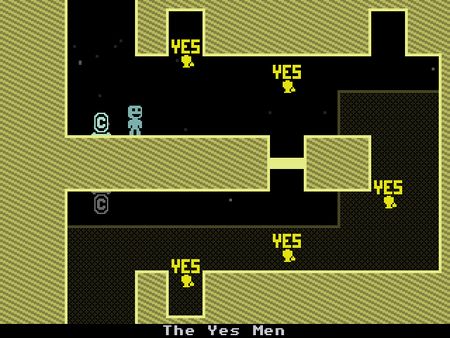
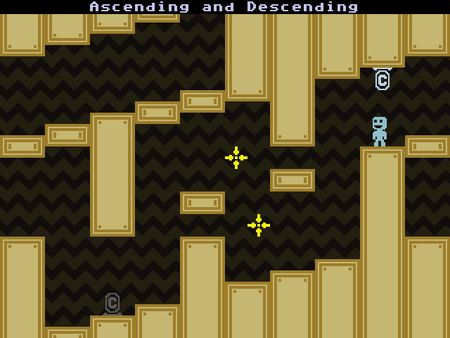
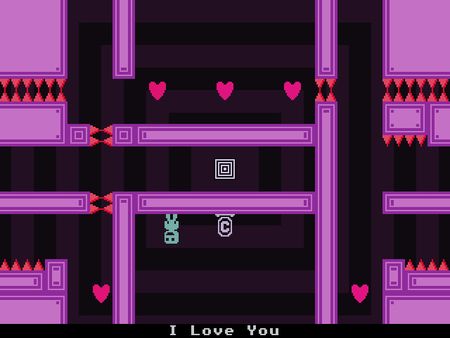
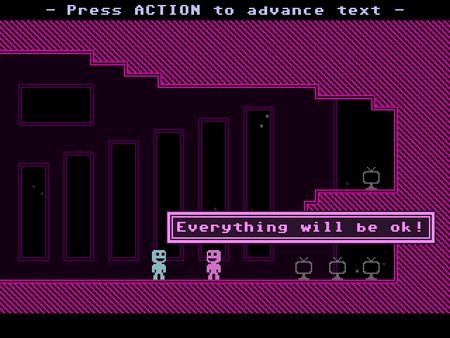
Vídeo sira
Kona-ba produtu ne'e
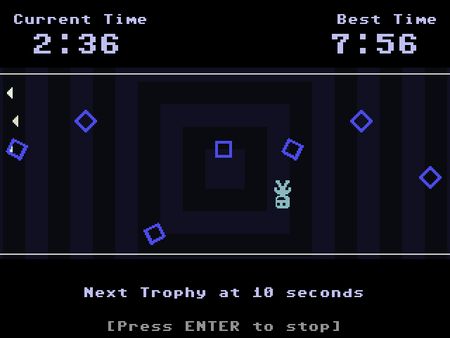
VVVVVV Steam Gift Platform: Steam Languages: English Release Date: 8 Sep 2010 Product Description VVVVVV is a retro styled 2D platformer by Terry Cavanagh, creator of dozens of free games. You play as the fearless leader of a team of dimension exploring scientists who inadvertently crash, and are separated. The game involves exploring the strange world you've found yourself in, and reuniting your friends. VVVVVV explores one simple game mechanic: you cannot jump - instead, you reverse your own gravity at the press of a button. The game focuses on playing with this mechanic in a variety of interesting ways. The game is designed not to artificially gate your progress. In VVVVVV there are no locks, no power-ups, no switches, nothing to stop you progressing except the challenges themselves. Features Elegant, minimalistic level design. Challenging, fast and fun gameplay. Frequent checkpoints mean you never have to replay challenges you've already beaten. Over half an hour of chiptune music by composer Magnus Pålsson. Special game modes, including time trials and a no death mode. System Requirements PC System Requirements OS: Windows XP Processor: 2 GHz Memory: 256MB Graphics: Direct X9.0c Compatible Card DirectX®: DirectX® 9.0c Hard Drive: 42MB Sound: Standard audio Mac System Requirements OS: OS X version Leopard 10.5.8, Snow Leopard 10.6.3, or later Processor: Intel Mac 2 GHz Memory: 256MB Hard Drive: 42MB Sound: Standard audio Linux System Requirements OS: Ubuntu 12.04 LTS Processor: 2 GHz Memory: 256MB Graphics: Hard Drive: 42MB Sound: Standard audio
Oinsá atu ativa
Go to: http://store.steampowered.com/ and download STEAM client Click "Install Steam" (from the upper right corner) Install and start application, login with your Account name and Password (create one if you don't have). Please follow these instructions to activate a new retail purchase on Steam: Launch Steam and log into your Steam account. Click the Games Menu. Choose Activate a Product on Steam... Follow the onscreen instructions to complete the process. After successful code verification go to the "MY GAMES" tab and start downloading.