EaseUS Todo PCTrans Professional Key
Other, works worldwide
Instant digital delivery • Payment fees shown at checkout
Your key shows on screen and in your vault right after payment. We never email the key itself.
- Platform
- Other
- Region
- Global
- Release date
- May 18, 2022
- Developer
- EaseUS
- Publisher
- EaseUS
- Genres
- Software
- Languages
- English, French, Italian, German, Spanish, Japanese, Polish, Chinese, Korean
Screenshots
About this product
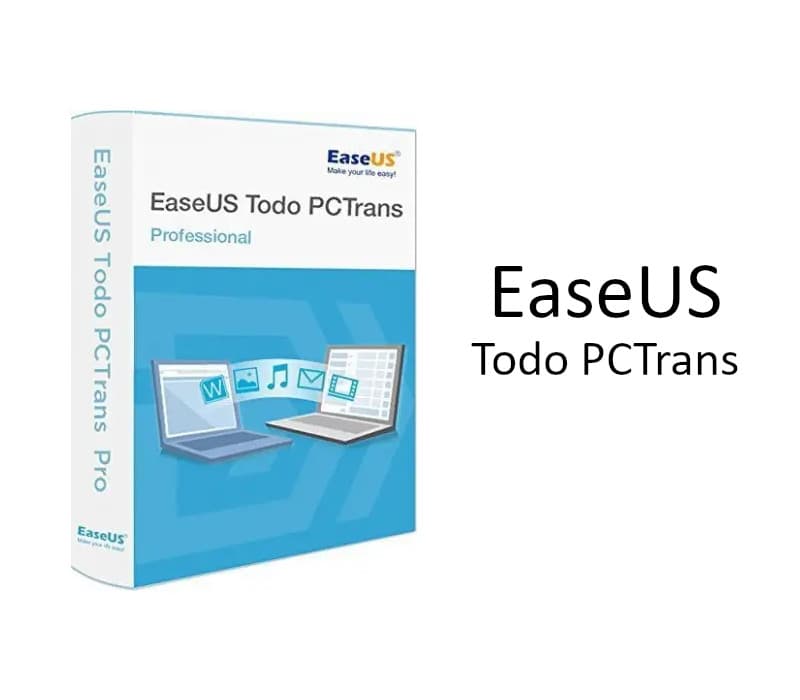
Transfer Everything To Your New Windows 11/10 PC Transfer programs, settings, and data to a new PC. Create a full backup to keep your entire computer safe. Data rescue-recover data from a broken or dead computer. Transfer Files & Apps To Your New PC EaseUS Todo PCTrans Pro helps automatically migrate your programs, software settings, documents, music, pictures, videos, favorites, emails, etc., from one computer to another without data loss. The most common applications/programs, including MS Office (Word, Excel, Outlook, etc.), are all supported. Migrate User Accounts and Settings to New PC or System EaseUS Todo PCTrans Pro migrates everything to the new computer and makes it feel like the old one. It covers everything you have. Not just files and programs – your accounts, passwords, profiles, personalization, and settings are all copied for transfer. Then you can start working on your new computer immediately, without spending days setting everything up manually. It works with any Windows (including Windows 11) and with any computer. Safe & High-speed Large File Transfer EaseUS Todo PCTrans Pro is a software-based large file transfer solution dedicated to meeting the needs of high-speed large data transfers with high security regardless of file size, distance, or network conditions, providing you with fast, safe, stable, cost-efficient, and convenient large file transfer services. Backup Your Entire Computer For Protection EaseUS Todo PCTrans Pro can create a copy of your entire computer, including your documents, music, pictures, favorites, programs, software settings, accounts, emails, etc., keeping you safe from Ransomware virus attacks and other unexpected disasters. The backup file can be saved anywhere convenient for you, for example, on your computer, on a USB external drive or a network drive, or even on Cloud storage such as Dropbox or OneDrive, and is available for recovery right away.
How to activate
In order to activate the code please follow the instruction below: Download and install the software from here. Click Enter License button. Copy and paste your license code in the pop-up window, and click the blue Activate button next to it.
System requirements
Windows
- Minimum: Requires a 64-bit processor and operating system OS: Windows 11/10/8.1/8/7/Vista/XP Processor: 500 MHz processor or faster Memory: 1 GB RAM Network: Broadband Internet connection Storage: 1 GB available space